
Steps to Request a New OTU Link
- Open the expired OTU link.
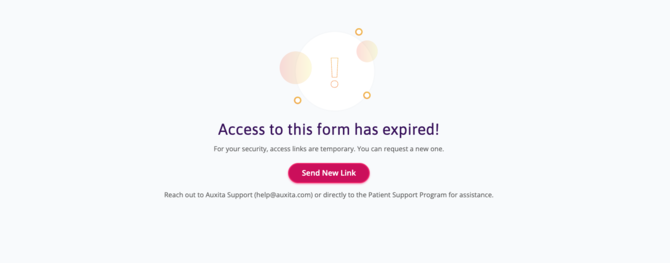
- On the expiration page, click SEND NEW LINK.
-
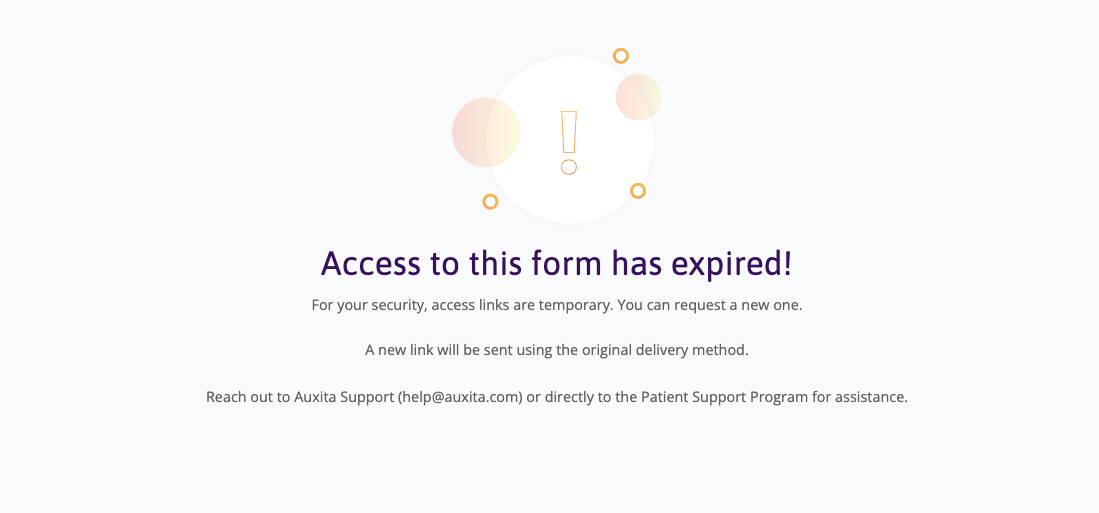
A new link will be sent using the original delivery method. A confirmation message appears stating, “A new link will be sent using the original delivery method.”
- Open the new link to access and complete the form.
 TIP
TIP
- This feature is available to guest prescribers.
- The new link can only be generated while the form is still eligible for completion.
- For patient-initiated requests, OTU links can no longer be renewed once the maximum completion window (90 days) has been reached and the form has been cancelled.