
Priority visually indicates how urgent an Additional Form is, it is displayed using colour indicators, such as:
 |
Red – Highest priority |
 |
Yellow – High-Medium priority |
 |
Green – Low priority |
 |
Grey – Neutral priority |
The priority is set within the form and is reflected consistently across the platform. These colours are indicated on top of the tiles in the Review tab, and shown with an indicator on the Status table.
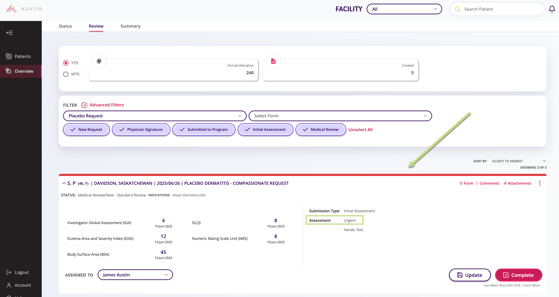
Filter Additional Forms by Priority
- Go to Overview.
- Open the Review tab or the Status Table.
- Select Advanced Filters.
- Locate the Priority filter.
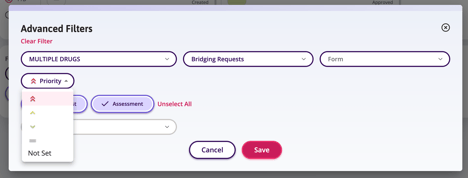
- Select the desired Priority or choose Not Set.
- Click Save to apply the filters.