To understand the Additional Forms process before Medical Review, see: How to Initiate an Additional Form
 NOTE This step depends on your user role and permissions. If you do not see the decision options, contact help@auxita.com.
Completing the Form
- Go to the Overview section and open the Review tab.
-
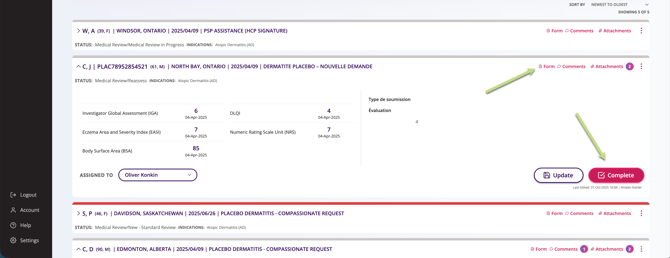
Locate the request you are reviewing (use filters if needed), then open the request tile.
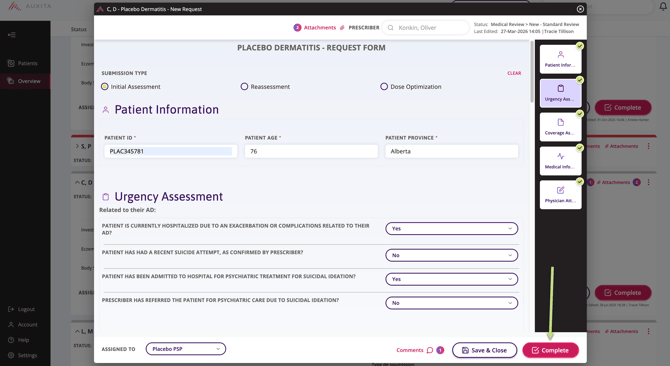
- Select Complete on the summary tile, or open the form and select Complete from within the form.
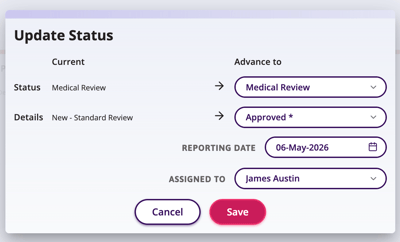
4. The Update Status window will appear, where you can select Approved or Rejected.