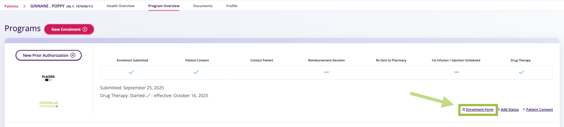
From the Patient Profile
- Select the patient with an enrolment form that has been submitted to the Program.
- The Patient Profile page appears.
- Review the patient's enrolment status in the Programs tile.
- Click Enrolment Form to view the submitted enrolment.
- The enrolment form opens in a new browser tab as a PDF file.
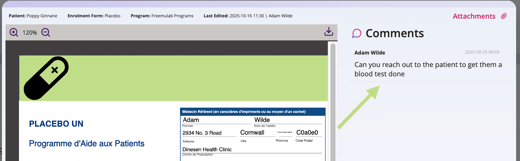
 TIP You can also review any comments that were added to the submitted form.
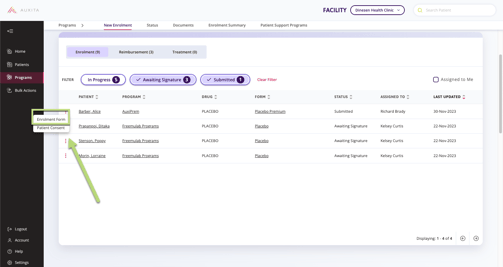
From the Programs page
- Select Programs from the left navigation menu.
- Use the Status filter to display enrolments with a status of Submitted.
- Locate the enrolment you want to view, then click the ellipsis (three dots) beside the patient's name and select Enrolment Form.
- The enrolment form opens.