
There are a few ways to open a patient’s profile in Auxita:
How to Open a Patient's Profile from the Patient List
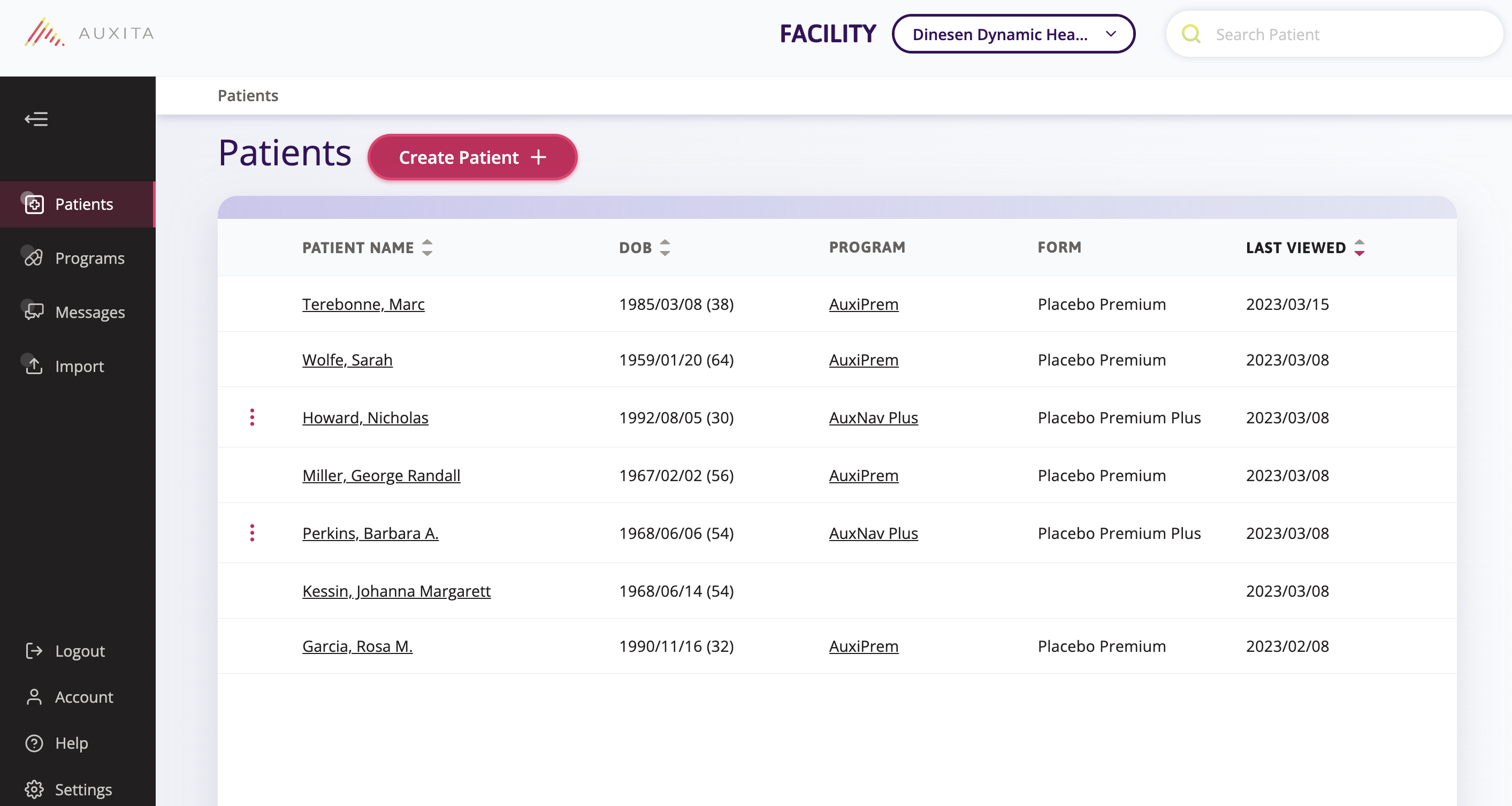
- In the Patients section on the left-hand menu, select a patient from the displayed list.
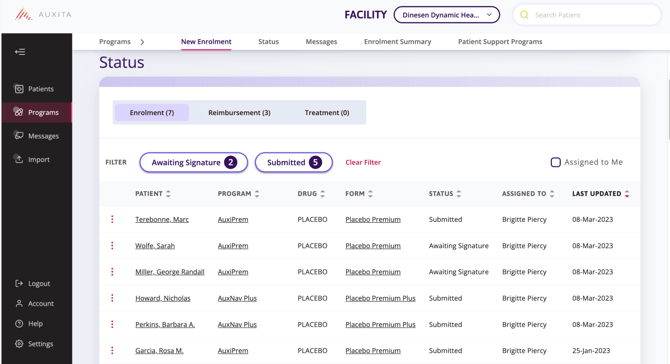
- In the Programs section, select an underlined patient from the Status table to open their profile.
- In the Program Details section, scroll within the Programs area to locate the appropriate Patient Support Program. From the Status table, select a patient and click their name to open their profile.
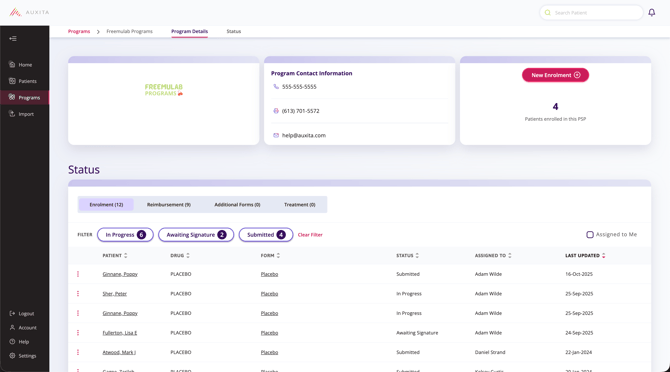
 NOTE The Status table in the Program Details section only displays patients with enrolments for the selected program.
 TIP You can use the Search bar to find a patient from any area in Auxita.